

Tracking Website Insights with Putler Web Analytics
Set up Putler Web Analytics to track visitor journeys, page performance, traffic sources, and store conversions.
-
Go to
Putler→Web Analyticsa. Optional: +
Add a website
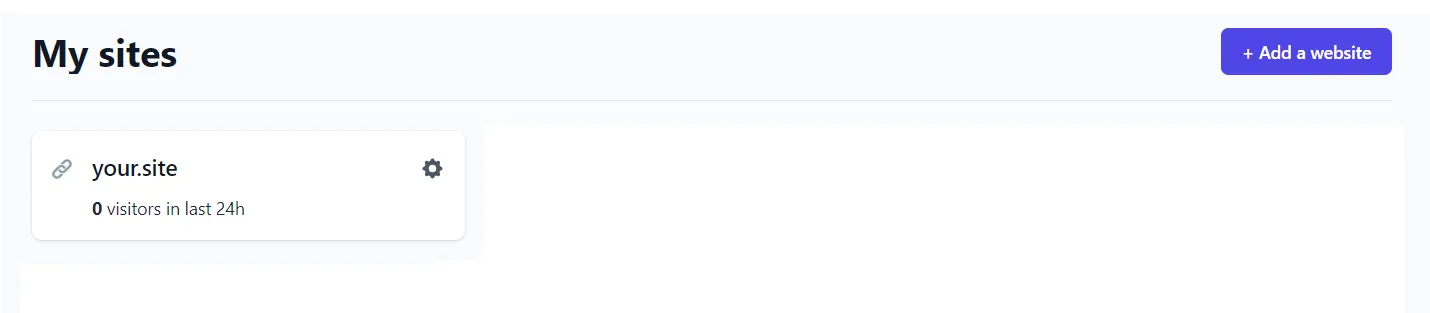
- Go to site settings

- Add the snippet below inside the
<head>section of your website:
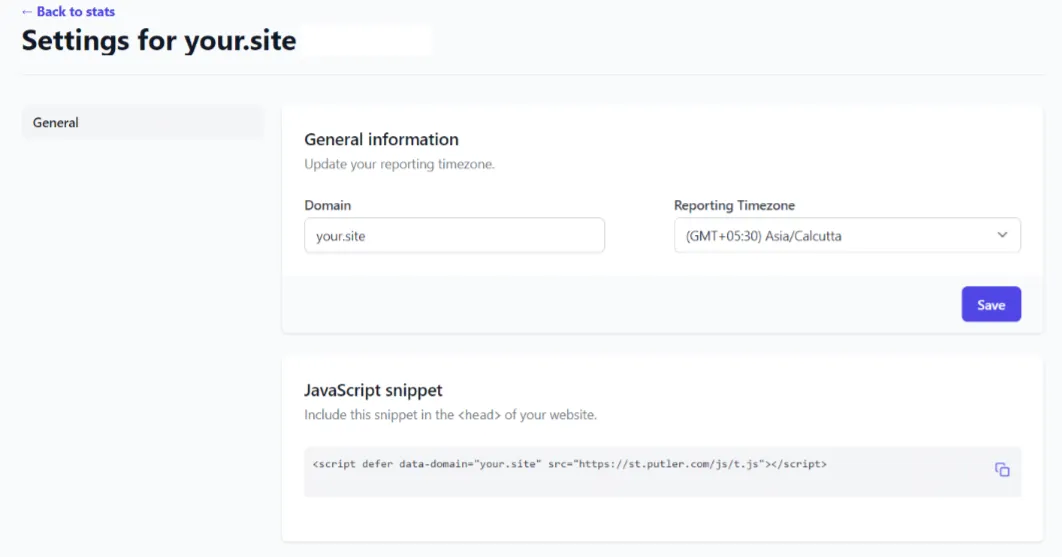
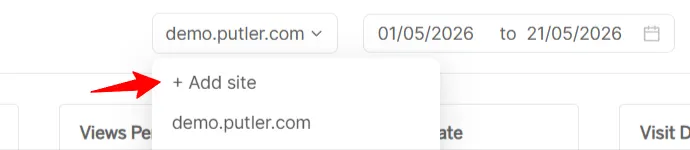
- Click
+ Add siteand enter your website domain
- Enter only the naked domain or subdomain (without
www) - Example:
-
example.com
-
store.example.com
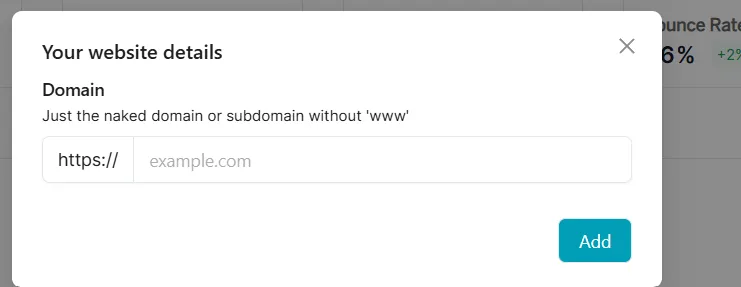
- Click
Add
Once added successfully, Putler will start tracking your website analytics data.
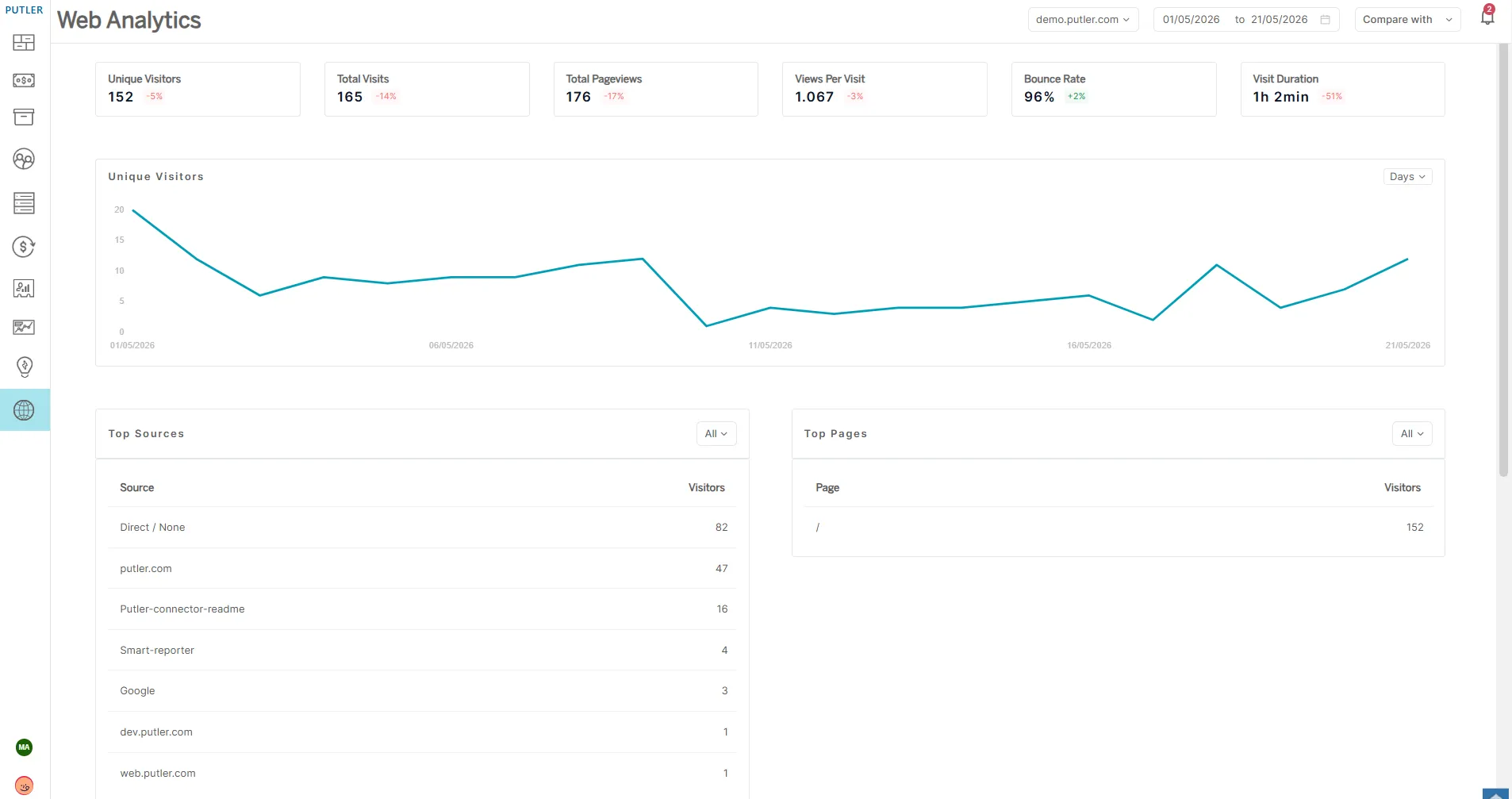
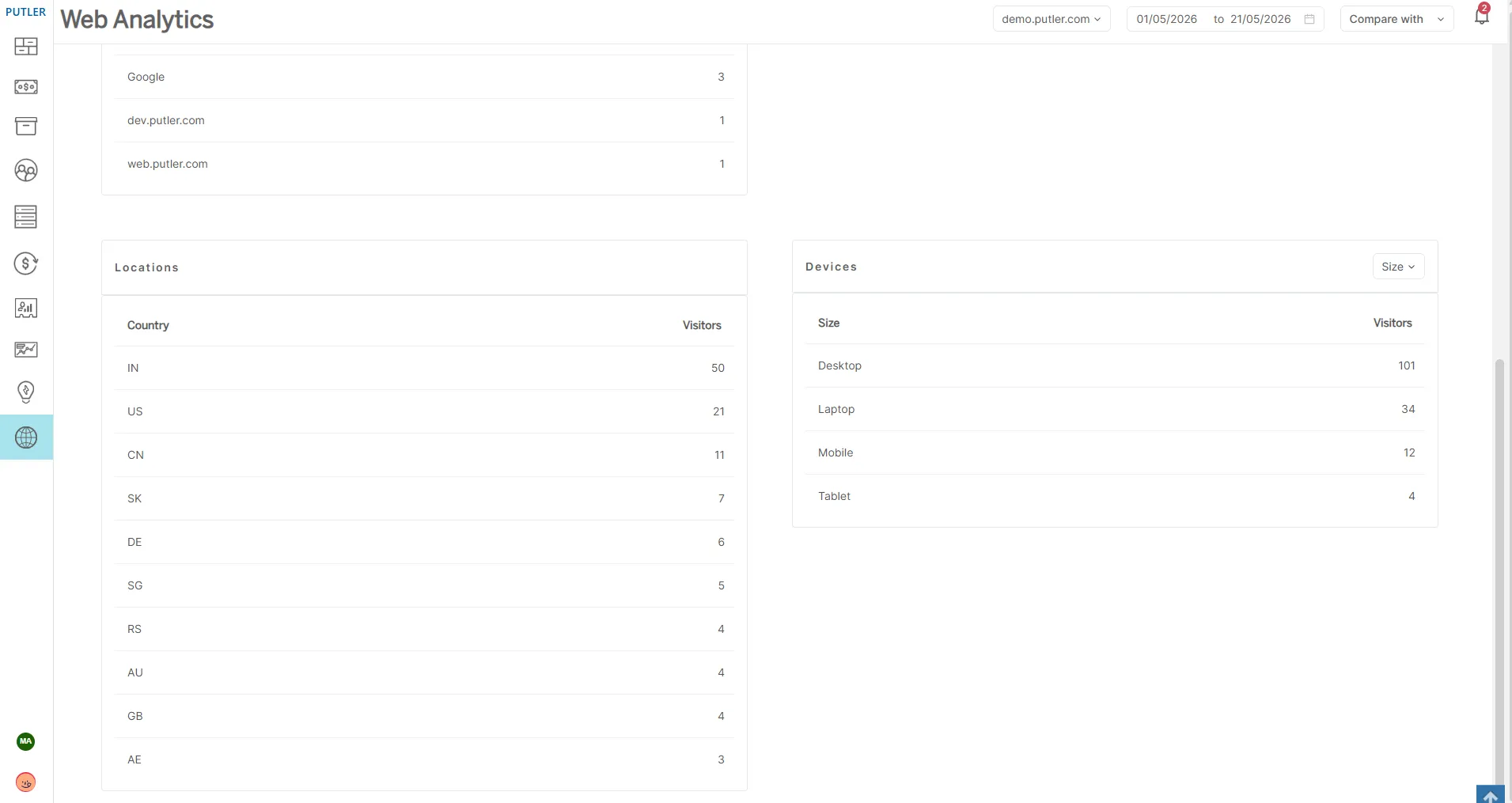
- View your data inside the Web Analytics dashboard
After the tracking snippet is installed and your website starts receiving traffic, the data will begin populating automatically in the Web Analytics dashboard.
If you need any help/ have any queries, do reach out to us.