

Connecting Easy Digital Downloads (EDD) to Putler
Integrate Easy Digital Downloads (EDD) to monitor digital product sales, download stats, licenses, and renewals.
How to connect EDD to Putler?
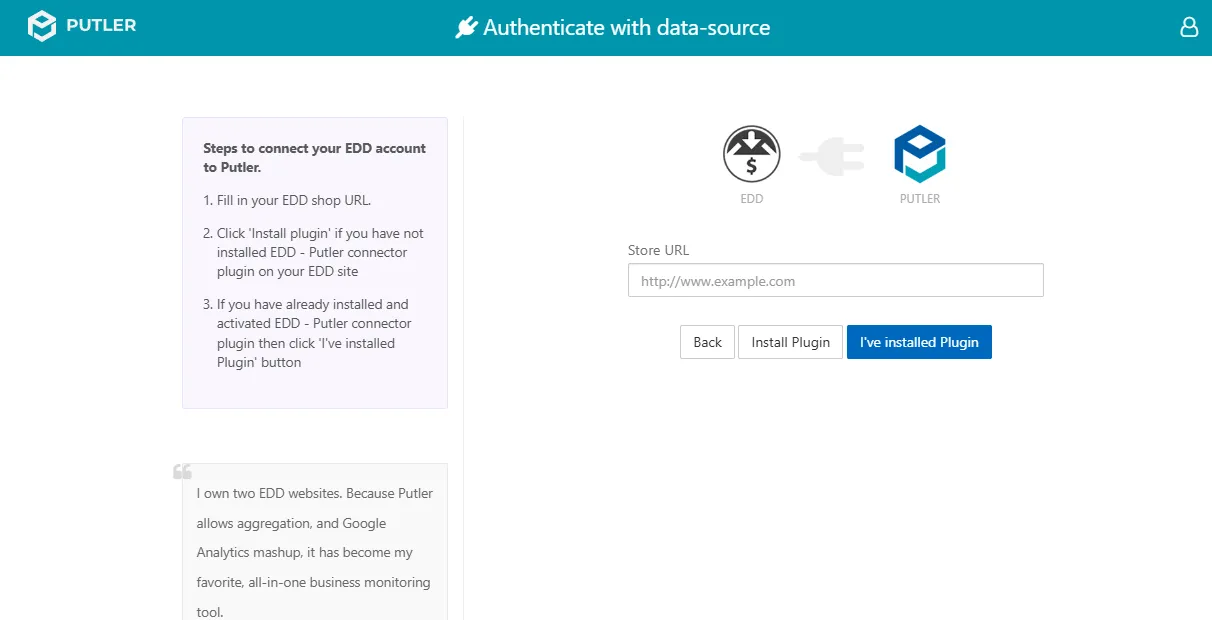
- Once you sign in to Putler, click on the
EDDicon. - Enter Your EDD Shop URL:
- For example: http://www.example.com
- Click
Install Pluginif you have not installed the EDD - Putler Connector plugin on your EDD site. - If you have already installed and activated the EDD - Putler Connector plugin, click the
I've Installed Pluginbutton. - Log in to your EDD site.
- When the grant permission page appears, click Grant Permission.
- Your EDD site is now successfully connected to Putler.