

Connecting Google Analytics to Putler
Link Google Analytics to correlate website visitor traffic, acquisition channels, and page views with sales transactions.
How to connect Google Analytics to Putler?
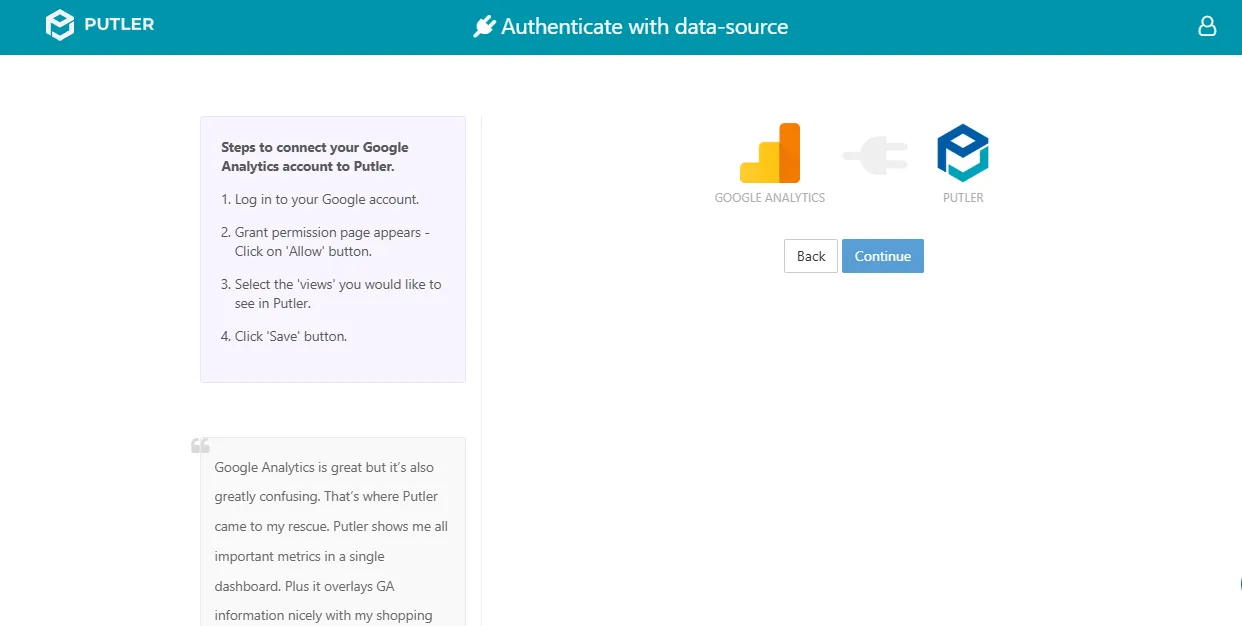
- Once you sign in to Putler, click on the
Google(GA4)icon. - A window will open prompting you to sign in to your Google Analytics account.
- Once signed in, it will ask you to Allow Putler access to your analytics data.
- Select the views you want to connect within Putler.
- Hit Continue.
- Your Google Analytics account is now successfully connected to Putler.